Data Submission in iDesign portal:
-
For submission requirement details refer to : iDesign Portal Submission Requirements
-
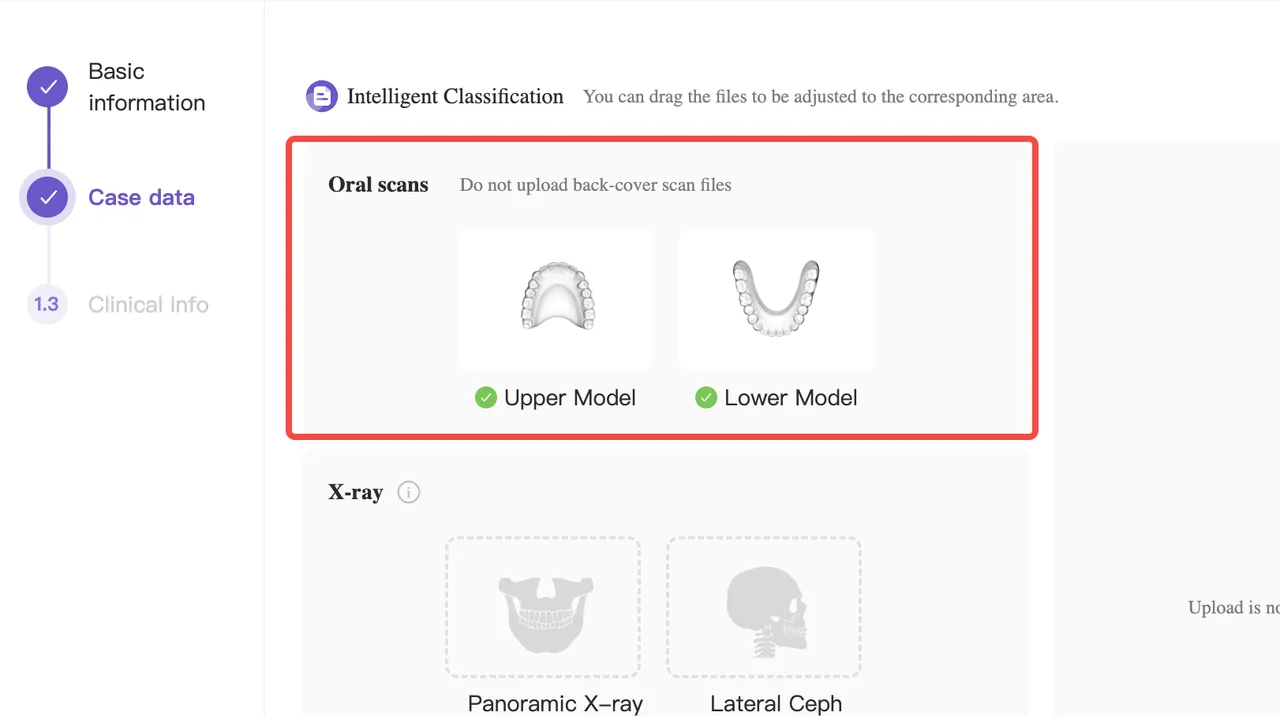
.stl files are a must have
-
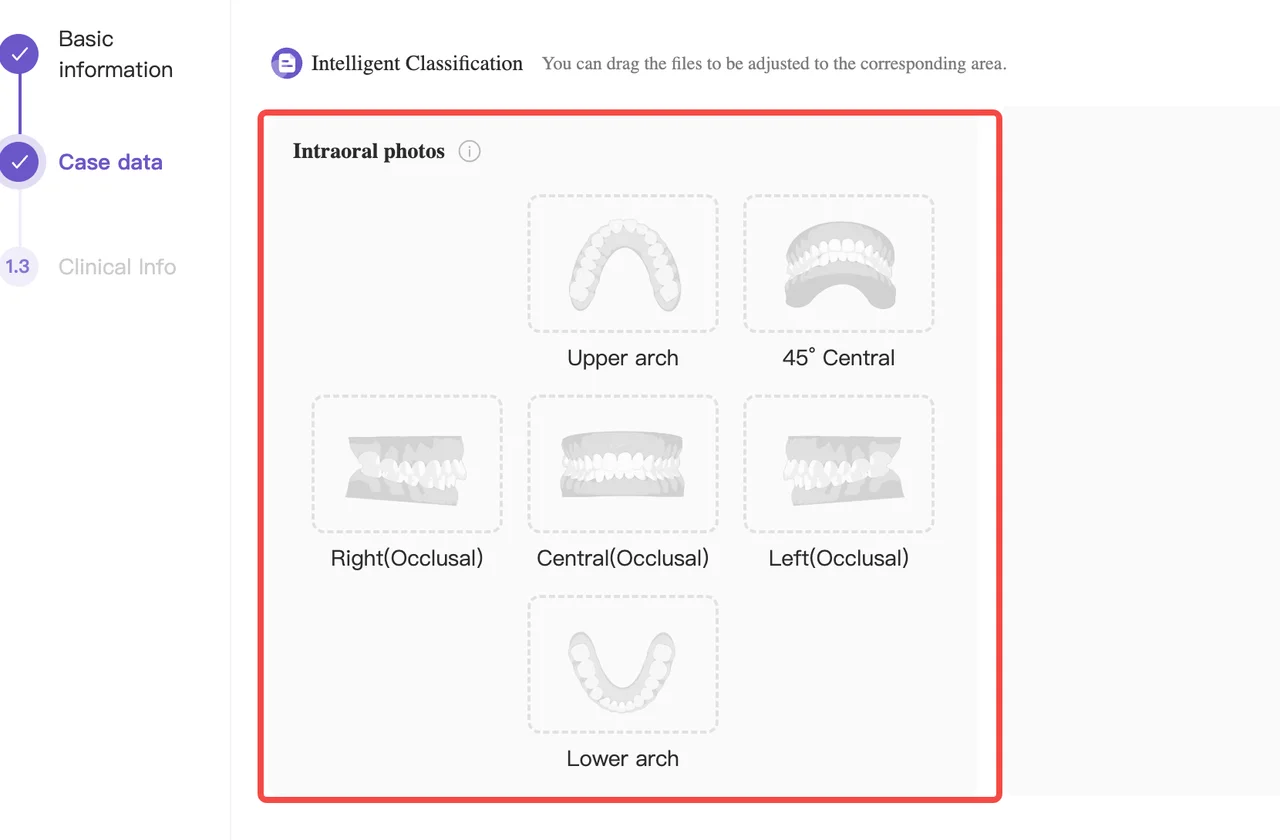
Intraoral photos + front face photos: It is suggested that doctors use smartphones to take photos of the patient's mouth, including upper and lower photos. These photos are essential for designers, and doctors should submit them at the same time as uploading other information.
Design Approval and Feedback
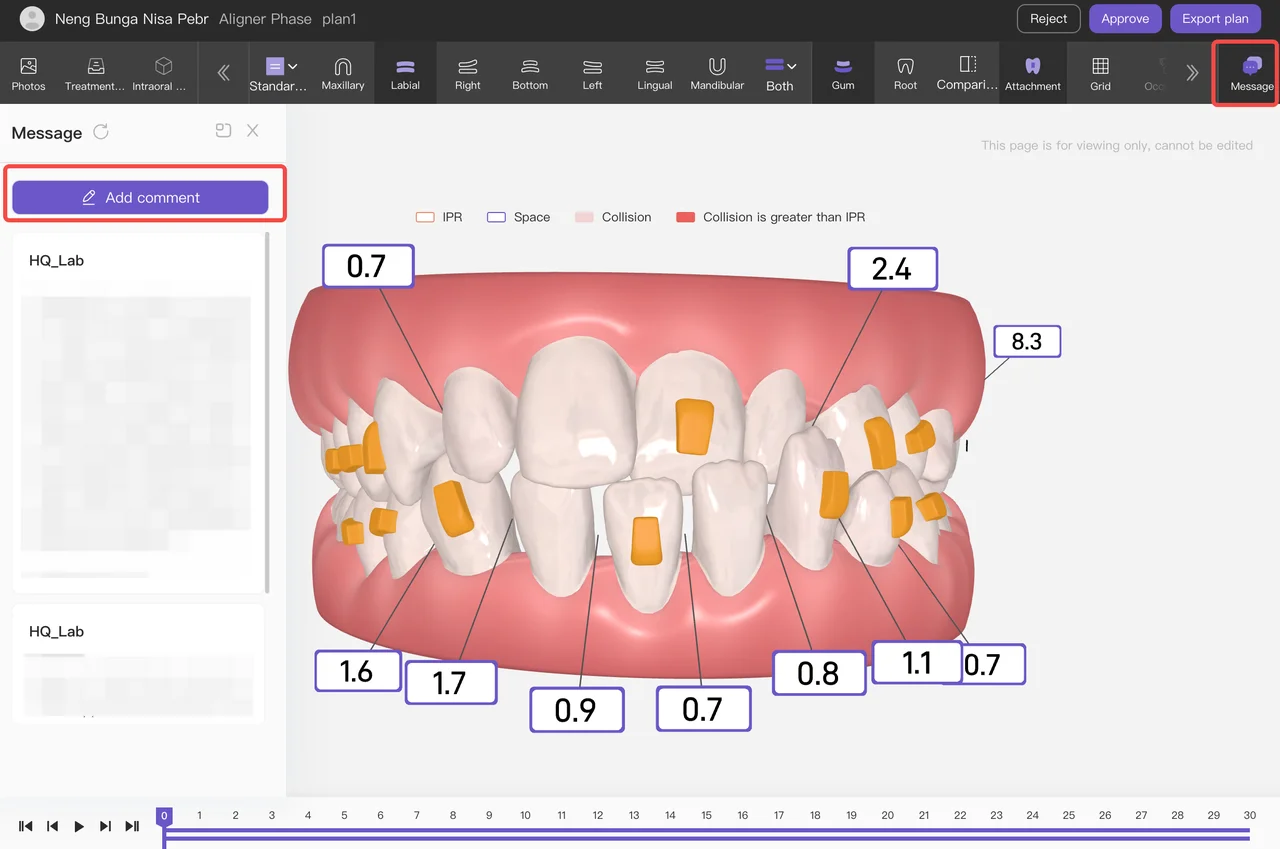
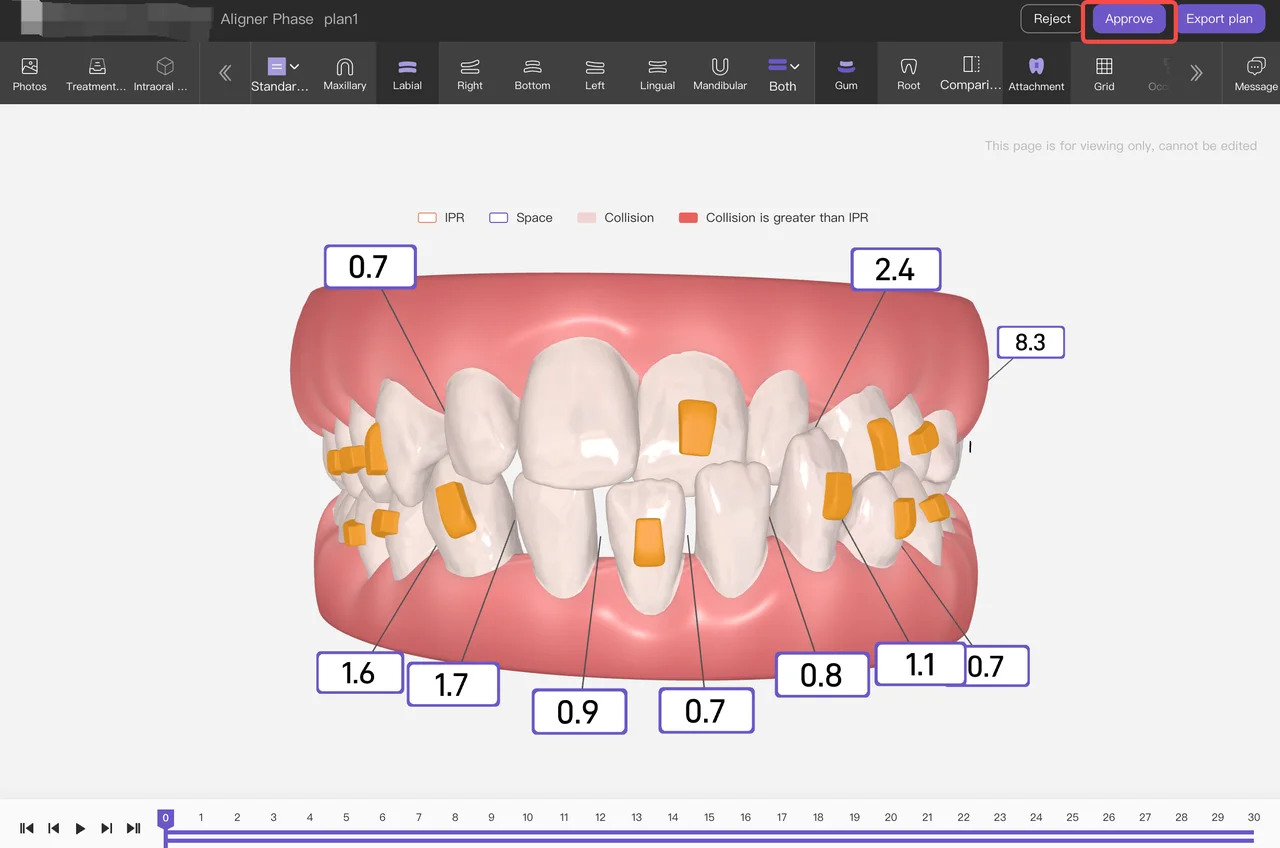
- View and Approval: Doctors can view and approve the design plans when they open the I design portal for the first time. An approval button will be available, allowing them to approve the plan if they choose to.
Feedback and Response:
- If doctors have feedback on the plan, they can click "Message" button and send messages to the designer.
- Designers are required to reply on the same day if the message is received before 9 p.m., or the next morning if received after 9 p.m.
Modification:
- Doctors can click “Message” button and send “Provide editable link” in the system request a modification link to edit the plan themselves.
-
Designer provides an editable link of new plan in “Message”.
-
Doctor click the editable link to edit the plan, after finish click “Message” and input “Edit completed”. (How to edit a treatment plan)
-
Designer click “Comprehensive Review” of new plan.
-
Doctor click “Approve” for new plan.